When a new device is unboxed, most people assume it is ready to use. The truth is that many laptops and systems come with default settings that are far more open than they seem. Features that are rarely needed may be turned on, extra apps may be installed, and unnecessary services may be running in the background. All of these create opportunities that attackers can take advantage of.
Secure configuration, also called system hardening, reduces those risks. It removes the parts a device does not need and strengthens the settings that matter most.
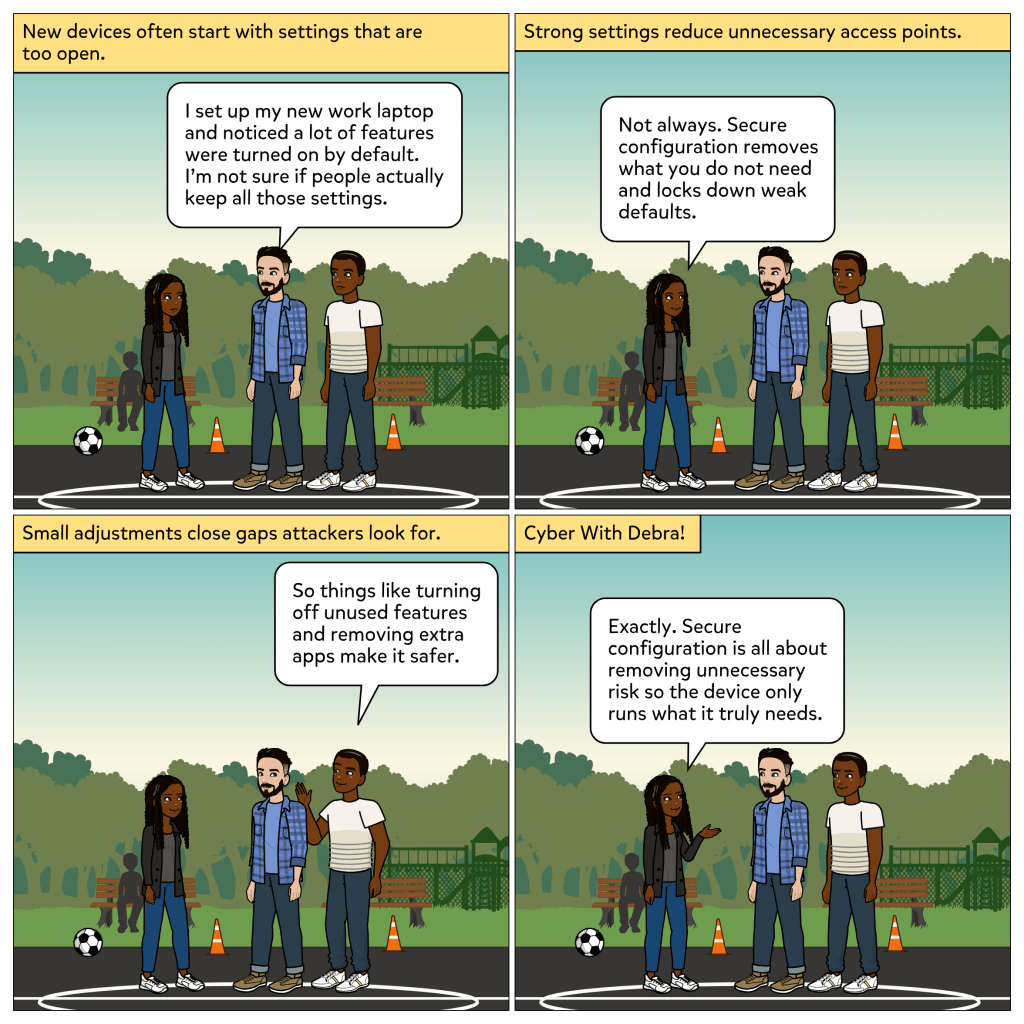
In this week’s comic, Joe mentions that his new work laptop came with many features active by default. Debra explains that secure configuration helps remove weak defaults and unnecessary access points. Ray adds that simple steps, such as turning off unused features and uninstalling extra apps, make a device safer from the beginning. Together, they highlight how important it is to tighten systems before problems appear.
What secure configuration does
Secure configuration focuses on preparing a device so it is not easy to exploit. The goal is to reduce the number of ways an attacker could get in and to strengthen the areas that protect sensitive information.
With secure configuration, organizations can:
• Remove unnecessary apps that offer no value but add risk
• Disable unused services and features to limit exposure
• Apply strong settings such as password requirements and access controls
• Ensure devices follow a standard baseline across the organization
• Reduce the attack surface by closing entry points that should not be open
Secure configuration is not about making a device complicated. It is about making sure it runs only what it needs to run.
Why it matters
Attackers often look for the easiest way into a system. Default settings make that easier than most people realize. A service left on, a trial app that was never removed, or a feature that no one uses can each become an entry point.
By hardening systems from the start, organizations reduce the chances of an attacker finding a weak spot. It also helps protect users, keeps devices consistent, and supports compliance requirements in industries like healthcare and finance.
Everyday takeaway
Think of secure configuration like moving into a new home. Even if everything looks clean and ready, you still lock windows, remove items you do not need, and make sure doors are secure. You prepare the space so it is safe, not just functional.
Good security works the same way. A strong setup at the beginning prevents trouble later.
Thank you for reading. I hope you have subscribed. Let me know in the comments if you have ever noticed default settings you did not expect on a new device. 🧰
 Cyber With Debra!
Leave a comment