• What is the difference between a cyber defense framework and cyber threat intelligence, and why do both often come up in the same conversation?

    One gives you structure. The other gives you awareness. And when both are in place, your response becomes sharper, faster, and more effective.

    Let’s walk through what each one does and where they meet, not in theory, but in the way real people and real organizations navigate everyday threats.

    What Is a Cyber Defense Framework?

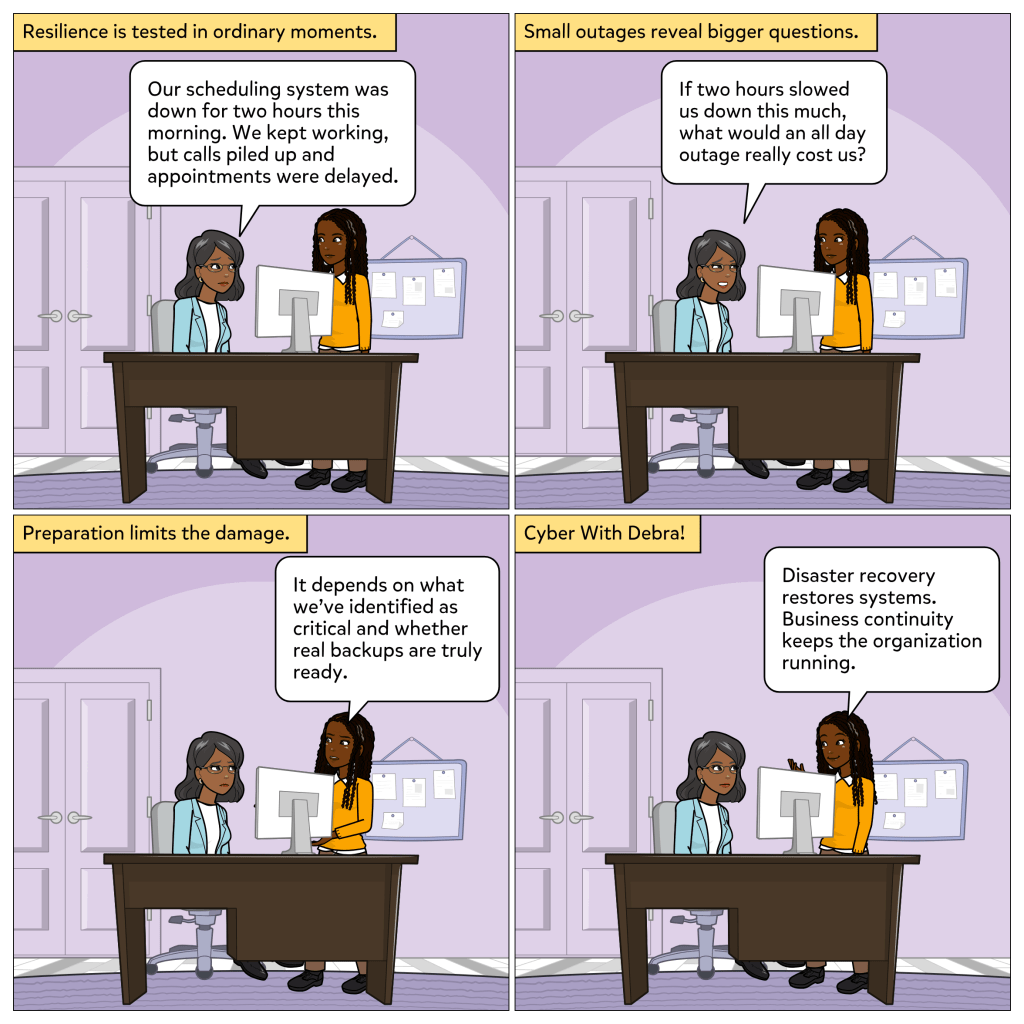
    A cyber defense framework gives you structure and rhythm. Think of it as your emergency response plan. You are not waiting for something to go wrong to decide what to do. Instead, you already have a system that helps you move step by step.

    One well-known example is the NIST Cybersecurity Framework. It includes five core functions:

    • Identify
    • Protect
    • Detect
    • Respond
    • Recover

    These steps help teams know what to do at each stage of a security incident. From understanding what needs protecting to restoring services after an attack, the framework keeps everyone focused and moving forward.

    What Is Cyber Threat Intelligence?

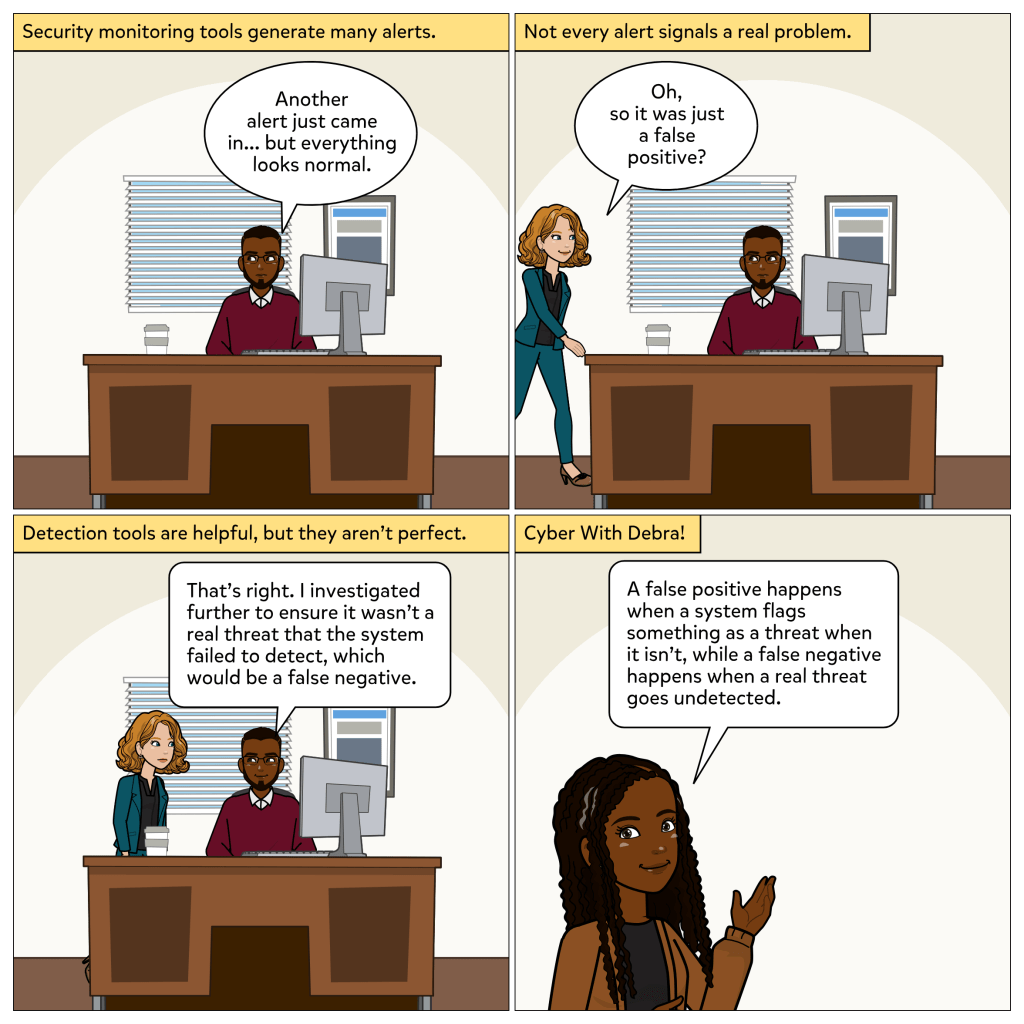
    Cyber threat intelligence, or threat intel, gives you the clues. It helps answer questions like:

    • What are the newest attack methods out there?
    • Who are the likely targets?
    • What signals should raise a red flag?

    Threat intel is not just about knowing that threats exist. It is about understanding them well enough to take action. Whether it is a suspicious email or a new scam technique, threat intel gives context, patterns, and warning signs to help you respond quickly and smartly.

    Where They Meet in Real Life

    Frameworks tell you how to move. Threat intel tells you why and when.

    Let’s say a team follows a defense framework like NIST. Their process tells them to monitor activity and investigate anomalies. But what counts as an anomaly? What should they be scanning for?

    That is where threat intel comes in. If the team receives information that a specific kind of phishing attack is circulating in their sector, they now know what to watch for. They can adjust email filters, warn staff, and look out for those behaviors.

    Together, the framework and the intel create a full picture. One sets the plan, the other fine-tunes it.

    Everyday Example: A Game Plan and a Scouting Report

    Think of a sports team. The defense framework is the game plan. It tells the players where to be and what formation to take. But the threat intel is like the scouting report. It tells you the opposing team’s habits, their favorite plays, and what they are likely to try next.

    Having both means you are not only ready but aware. You can adjust your moves in real time because you understand what is coming and how it fits into the bigger picture.

    Final Thought

    In a world where threats are constant and information is powerful, having both a clear plan and timely insight is no longer a luxury. Cyber defense frameworks keep your response steady. Cyber threat intelligence keeps it smart. Together, they make sure you are not just reacting but ready.

    Thanks for being here. If you found this helpful, I hope you’re subscribed. And if anything stood out or sparked a question, feel free to drop a comment. I’d love to hear your thoughts. 💡 

  • Scam Likely again?

    I can already picture the eye roll. You ignore the call. Or maybe you block the number, only to get a similar one just minutes later. Different digits, same feeling. And if you are expecting an important call, nothing feels more annoying than seeing “Scam Likely” pop up instead.

    It is frustrating. It is also a signal.

    These kinds of alerts: scam calls, sketchy texts, weird links can feel like background noise. But under the hood, they are clues. They are pieces of a bigger puzzle. And learning how to read them is what cyber threat intelligence is all about.

    Let’s break it down in plain terms.

    Cyber Threat Intelligence (CTI) is not about guessing or gut instinct. It is about collecting real signals, connecting the dots, and deciding what actions to take based on what you learn. From scammy phone calls to phishing emails to data leaks, CTI is the work of turning random noise into meaningful awareness.

    And believe it or not, you already use parts of this in your everyday life.

    So let’s walk through the Cyber Threat Intelligence Life Cycle using something as simple and annoying as these kinds of scam calls:

    1. Direction

    This is where you ask the questions. What do I need to know? What are we trying to protect?

    For most people, the question sounds like, Why am I getting these calls? Did someone leak my number? It is not about one hacker targeting you. It is about how your info may have landed on a list that is now being recycled and reused.

    2. Collection

    Now you start gathering data.

    You notice that the calls come from similar-looking numbers. Maybe they always happen around the same time. Or they use the same kind of pitch, an unpaid bill, a suspicious login, an urgent tone. These patterns are all part of the signal.

    3. Processing

    Here is where you sort the real from the noise.

    You compare the number to others online. You see if it is part of a known scam. You flag it, report it, and maybe talk to someone else who received the same call. You start to understand the tactic behind the annoyance.

    4. Analysis

    Now it clicks.

    This is not random. It is part of a widespread campaign. Maybe your data showed up in a breach. Maybe it was sold to marketers who did not vet it well. Either way, you realize it is bigger than just your phone.

    5. Dissemination

    Time to take action and share what you know.

    You tell a friend not to answer numbers they do not recognize. You warn your parents. Maybe you even update your phone settings or check your accounts for any related phishing attempts. You spread the word. That is cyber threat intel in motion.

    6. Feedback

    You reflect and adjust.

    You add more filters. You sign up for breach alerts. You start asking, Where else is my info floating around? And just like that, you are more prepared.

    This is the power of threat intelligence. It is not reserved for analysts or SOC teams. It is a mindset. One that helps you spot warning signs early and respond with intention.

    Because in a connected world, threats will always exist. But so will signals. And knowing how to read them makes all the difference.

    What about you?
    Have you ever gotten scam calls that made you wonder where your info ended up?
    What signals do you tend to overlook?

    Let’s keep learning together. Awareness is not about paranoia. It is about being informed. 😊

  • Ever seen a charge on your account that you did not recognize and felt your stomach drop?

    That feeling is not just panic. It is your brain doing its own kind of threat detection. You may not know the full picture, but you know something is off. And in the world of cybersecurity, there is a name for that kind of informed awareness: Cyber Threat Intelligence.

    Cyber threat intelligence, or threat intel, is the process of collecting, analyzing, and applying information about potential or active threats. It helps people and organizations make smarter decisions about security before an attack causes real damage.

    So what does cyber threat intelligence really do?
    It gives context. Not just that a threat exists, but what kind it is, who it is targeting, and how to respond.

    There are different types of threat intelligence:

    • Strategic gives the big picture, like trends and motivations behind attacks
    • Tactical shows how threats work, like tools and methods
    • Operational gives detail on specific campaigns or timing
    • Technical flags indicators like bad IP addresses or leaked credentials

    These are the kinds of signals that power the alerts you sometimes get from apps, email services, or even your bank. The ones that say: your password was found in a breach or your email may have been involved in a data leak. That is not spam. That is cyber threat intelligence in action.

    But it only helps if we know how to respond.

    A real life moment: the comic
    In this week’s comic, Michelle and Brittany are chatting in the car. Brittany just got an alert that her password was found in a data leak. She is not sure if it is serious. Michelle admits she usually ignores those messages.

    They turn to Debra, who reminds them that this is exactly what threat intel is for. Someone flagged that Brittany’s info was exposed. That is a signal worth acting on. Because if that password was reused, even on an old account, it could still be a door into more valuable systems.

    The conversation is short. But it turns awareness into action. A password gets changed. A habit gets rethought.

    That is cyber threat intelligence working as it should. It’s not just for analysts and security teams, but for anyone with an email address, a bank account, or a digital footprint.

    Everyday threats do not wait for experts

    If a system or service you use tells you something might be wrong, do not ignore it. You do not need to panic, but you do need to pay attention.

    That is the power of threat intel. It helps you decide what is noise and what needs your next move.

    Stay aware. Stay curious. And stay ready.

    Have you ever ignored an alert and regretted it later? Or followed one and caught a problem early? I would love to hear what stood out to you.

    Thanks for reading. If you are new here, I hope you will subscribe.
    Cyber With Debra is all about making security real and relatable, one everyday moment at a time. ✨

  • Ever had a day where something small sets off something big?

    A printer spits out five pages that no one sent. Then it freezes. People shrug. Maybe reboot. But one person looks closer, and that moment changes everything.

    In cybersecurity, this is often how it starts. Not with drama. Not with alarms blaring. Just a subtle glitch. A behavior that feels a little off. And that is when having a cyber defense framework really starts to shine.

    In this case, the steps Debra takes follow what is called the NIST Cybersecurity Framework. It is a trusted guide used across industries, not just in hospitals or security teams, but by any organization that wants to be smart about risk. The framework includes five core actions: Identify, Protect, Detect, Respond, and Recover.

    Let’s walk through them in action.
    And if you are not in cybersecurity, stay with me. There is a personal everyday example waiting at the end.

    1. Identify
    Debra notices unusual network traffic coming from the East Hallway printer. That is not something you notice unless you already know what normal looks like. The Identify step is about having visibility. It is the quiet groundwork that lets you spot trouble early.

    2. Protect and Detect
    Debra immediately isolates the printer. Why? To keep it from talking to anything else while she checks for deeper problems. This step is part Protect, containing the risk, and part Detect, capturing evidence while it is fresh. It is like pulling a package off a shelf the second you see smoke. You do not wait to confirm the fire. You act, then verify.

    3. Respond
    Instead of escalating panic, Debra logs the incident and starts remediation. That is what a solid response looks like. Calm, informed, focused on limiting damage.

    4. Recover
    Finally, the device is patched, stable, and brought back online. No drama. No shortcuts. Just restoration with lessons learned along the way.

    That is what a cyber defense framework offers. Structure in the middle of uncertainty. It is not just a checklist. It is a mindset. A way to stay clear and ready under pressure.

    And the truth is, you do not have to work in a hospital or technical team to relate. Most of us already use frameworks in everyday life.

    Let’s say you are prepping for a big trip.

    • You start by checking your itinerary, knowing your must-haves, and confirming important reservations (Identify)
    • You pack your bags, double-check your locks, and secure your important documents (Protect)
    • You keep an eye out for any travel updates or last-minute changes (Detect)
    • The night before your flight, you get a message. The airline rescheduled your departure. So you adjust your ride, rebook your connection, and update check-in plans (Respond)
    • After the trip, you think about what worked and what caught you off guard. Next time, you know what to expect and prepare with even more confidence (Recover)

    That is the power of a clear plan. Whether in tech or in life, it helps you stay ready.

    Let me know what stood out to you.
    Have you seen a small glitch that turned out to be something more?
    What do these five steps look like in your world?

    Thank you for being here.
    I hope you have subscribed.
    Let’s keep learning and building together. 💡

  • Ever had someone in your workplace ask, “What’s with all these security policies?”

    Sometimes it feels like the rules keep multiplying. One update after another with no clear reason why. But behind those policies, there is often something bigger guiding them.

    There are actual maps yes, full guides, that help organizations like hospitals, tech companies, schools, and banks figure out what to protect and how to do it. These are called cyber defense frameworks. Some well-known examples include the NIST Cybersecurity Framework, CIS Controls, and the MITRE ATT&CK Framework. Each one offers a different way of helping teams stay ahead of threats.

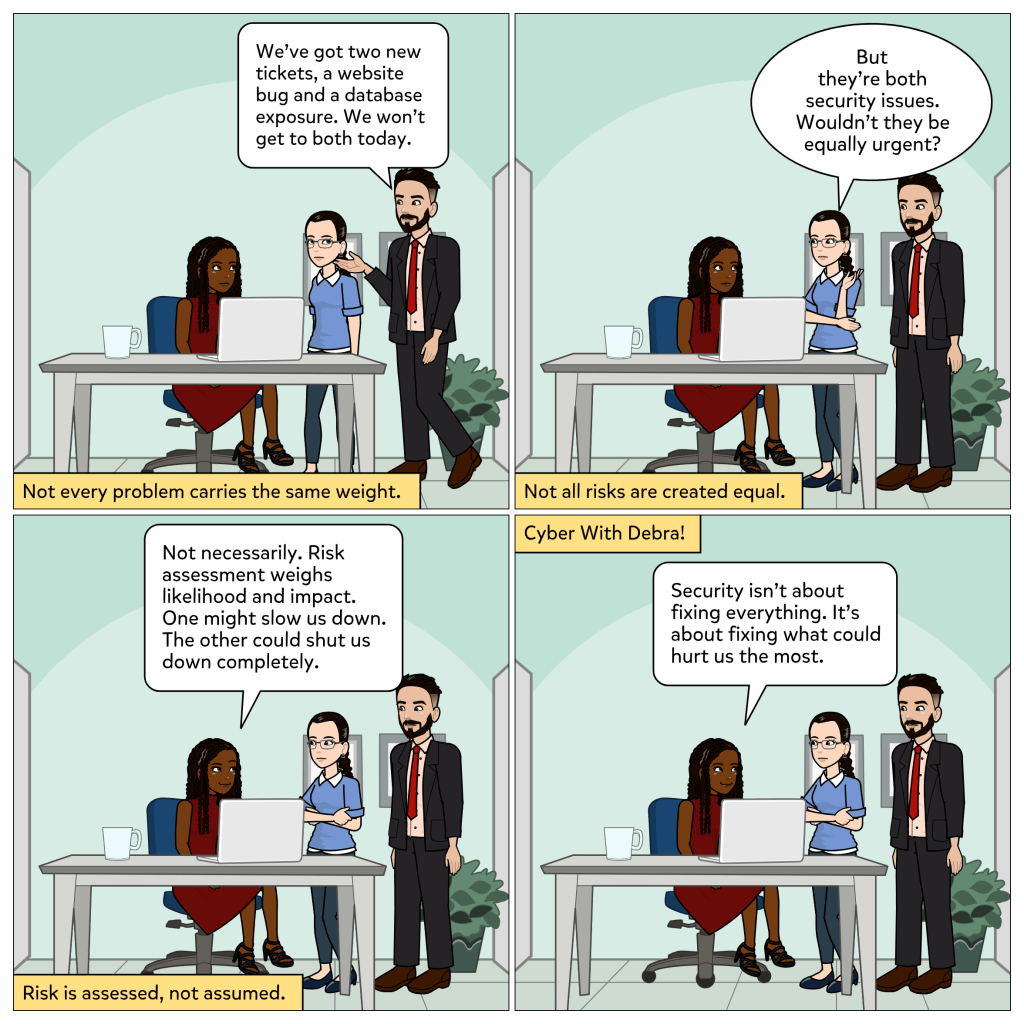
    A cyber defense framework is like a game plan. It does not replace your tools or tell you exactly what software to use. Instead, it gives you a smart, thoughtful structure for how to keep your systems, data, and people secure. It helps organizations prioritize what matters most and prepare for what could go wrong before it does. It is about thinking ahead, staying ready, and getting everyone on the same page before things get messy.

    What do we need to protect?
    How are we protecting it?
    If something goes wrong, what’s the plan?

    In healthcare, where one security incident could affect care delivery, compromise patient data, or damage trust, having a framework is not just technical. It is critical.

    And honestly, you do not have to work in a hospital to relate. We use mini frameworks every day. Think about meal prepping for the week. You decide what to eat, gather ingredients, and prep in advance so you are not scrambling at the last minute. That is a personal version of a framework. It does not mean you never eat out, but it keeps things in order and reduces stress. The same goes for budgets, packing checklists, or even routines for getting kids ready in the morning. It is all about having a plan, not just reacting.

    That structure you rely on is your own kind of framework. Cybersecurity works the same way. It is about knowing what matters most and having a plan before things fall apart.

    So whether you are working with patient data or just trying to understand what that latest policy means, cyber defense frameworks give us a real advantage. They are how we shift from being reactive to being ready.

    Thank you for being here. I hope you’ve subscribed! You don’t want to miss the next episode lol.

    Let me know what stood out to you. What do frameworks look like in your world?

    Go ahead and share this with a friend or that coworker who’s always asking. They’ll never look at cybersecurity or meal prepping the same way again. 😃

  • Hi, I’m Debra. I come from a background in biomedical and clinical engineering, where I worked closely with the systems and technologies that support patient care. Cybersecurity was always part of that work, embedded in device management, system reliability, and the protection of critical infrastructure.

    What changed over time was my focus. I became more intentional about exploring cybersecurity as its own field, not separate from my experience, but layered within it. The more I leaned in, the more I began to see just how much it quietly shapes not only the systems we trust, but the decisions, habits, and expectations we carry into everyday life.

    Cyber With Debra is my way of exploring that connection. This blog is a space where I write about cybersecurity from a grounded, real-world perspective. Sometimes I share tools or hands-on insights. Other times, I reflect on how these ideas relate to awareness, decision-making, and the human side of technology, especially in the healthcare context, but always with room for wider relevance.

    Whether you are a professional, a learner, or simply someone curious about how cybersecurity fits into your world, I hope you find something here that adds value.

    Thanks for being here. Let’s keep learning together!

    Leave a comment

    1. Goldola Avatar
      Goldola

      Hello Debra, beautiful intro. I look forward to reading more from you 😊

      Like

      1. Debra Avatar

        Thank you! Glad to have you on here!

        Like

    2. Tife Avatar
      Tife

      This is amazing! I look forward to learning a lot

      Like

      1. Debra Avatar

        Thank you Tife!

        Like

    3. Kanyinsola Avatar
      Kanyinsola

      Hi Debra,

      As someone who is in the tech space and knows nothing about the cyber space… I’m looking forward to learning from you. Amazing write up and so easy to read too.

      excited for this!!!

      Like

      1. Debra Avatar

        Thank you Kanyinsola! Glad to have you on here, it will be worth your while 😊!

        Like

    4. Olalekan Elesho Avatar
      Olalekan Elesho

      Great job, Debra! I’m really looking forward to reading your blog—your perspective is always thoughtful and inspiring

      Like

      1. Debra Avatar

        Thank you for your kind words. I hope you’ve subscribed 😃.

        Like

    5. Chiamaka Chukwuemeka Avatar
      Chiamaka Chukwuemeka

      Well done Debra! I’ll be looking forward to your posts! I’m sure this will be an excellent resource for many.

      Like

      1. Debra Avatar

        Thank you Chiamaka! I hope you’ve subscribed 😊.

        Like

    6. Adeola Williams Avatar
      Adeola Williams

      Just subscribed, and I’m truly inspired by your journey, Debra! It’s refreshing to see cybersecurity approached through such a grounded and human-centered lens—especially from someone with deep experience in biomedical and clinical engineering. Cyber With Debra is already shaping up to be such a valuable space for reflection, learning, and real-world application. I’m looking forward to following your insights, especially those at the intersection of healthcare and security. Congratulations on launching this—it’s much needed!

      Liked by 1 person

      1. Debra Avatar

        Thank you so much Adeola! I appreciate your kind words and glad to have you on here!

        Like

    7. Stella Avatar
      Stella

      Way to go Debra! Looking forward to more blog posts from you.

      Like

      1. Debra Avatar

        Thank you Stella! Glad to have you here.

        Like